A simple tool to turn images into pixel art. Choose an image, tune the look, and download your result.
How to use
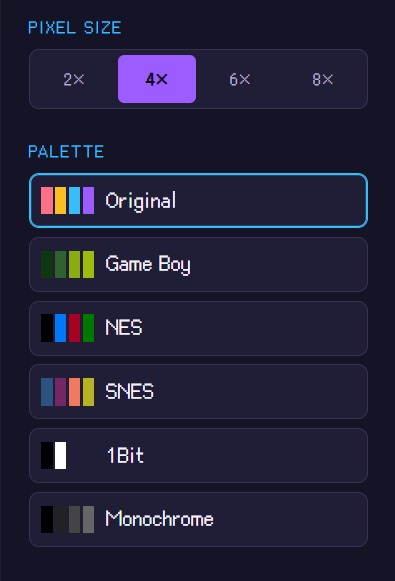
1. Choose a size and palette
Size controls the pixel detail. The palette sets which colors are used.
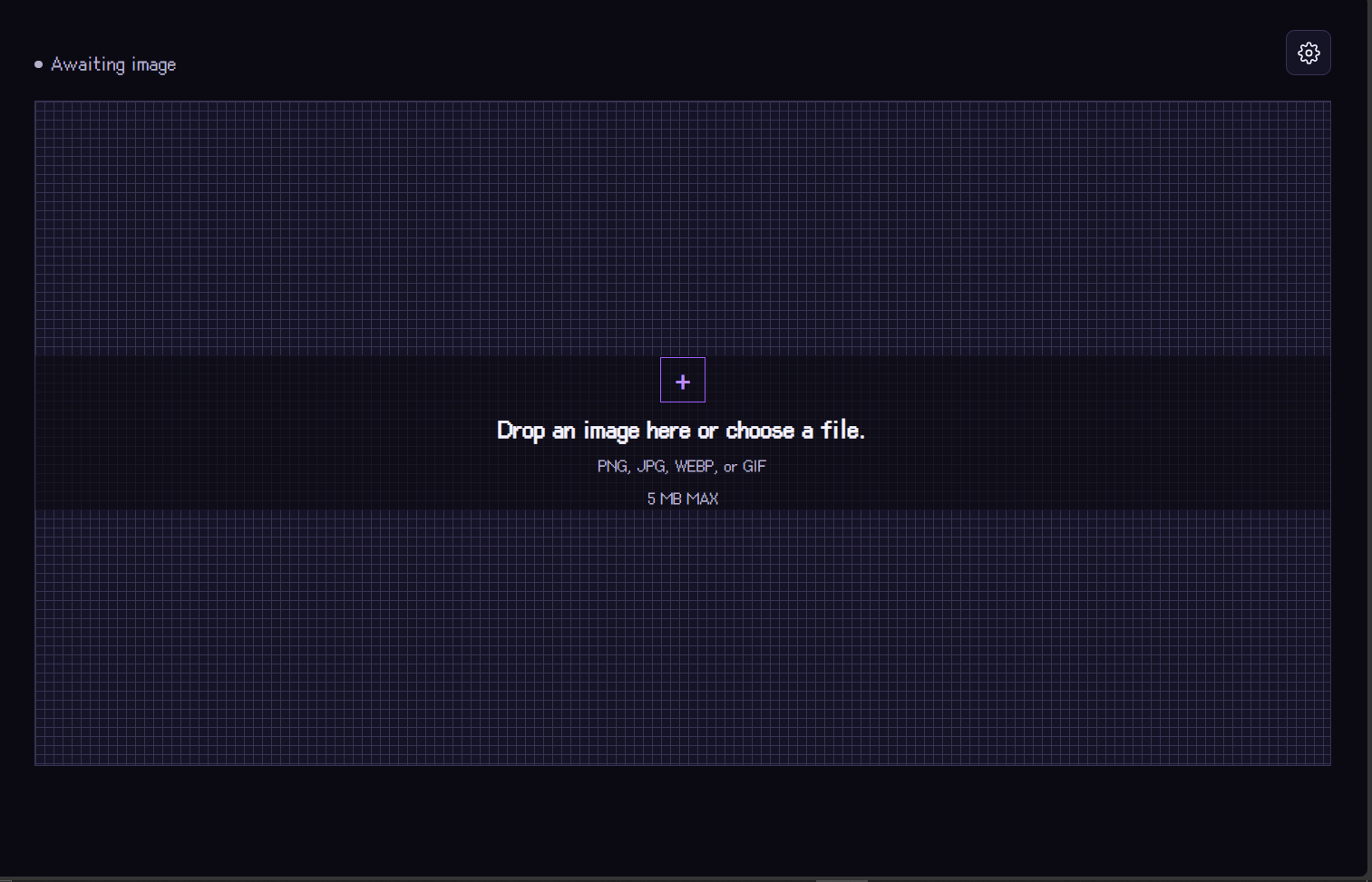
2. Upload an image
Choose a file or drag it into the workspace. Supported formats include PNG, JPEG, and GIF; the file limit is 5 MB.
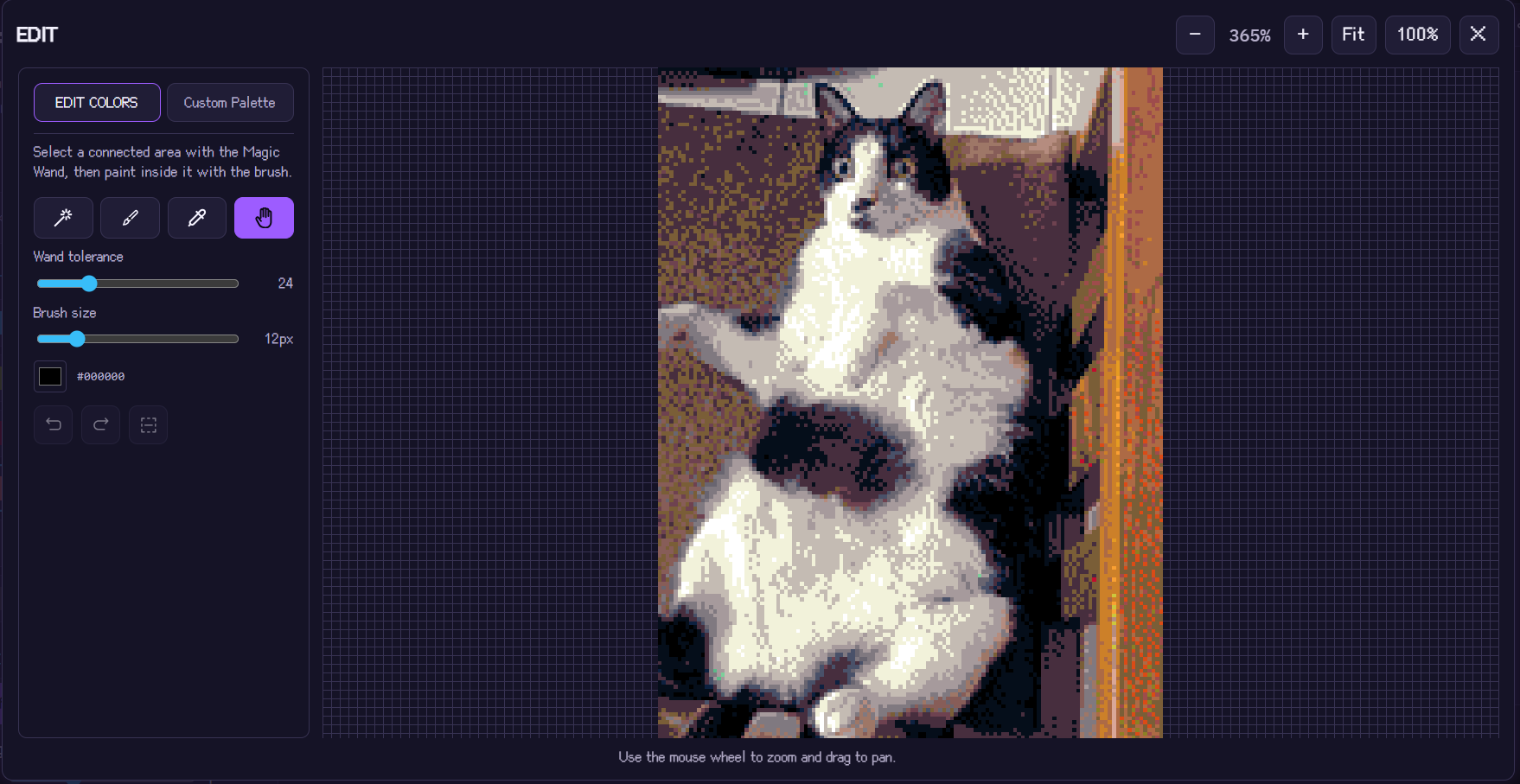
3. Adjust and edit
Fine-tune the pixelation settings. Open edit mode to make manual changes with tools such as the magic wand and brush.
4. Download your artwork
When you’re happy with the result, select Download to save it.